
Count anything, instantly with AI
ZapCount automatically detects what's in your photo and counts it for you — no templates, no setup required.
Drop image here or click to upload
JPG, PNG, WebP (Max 10MB)
Or try one of these examples:
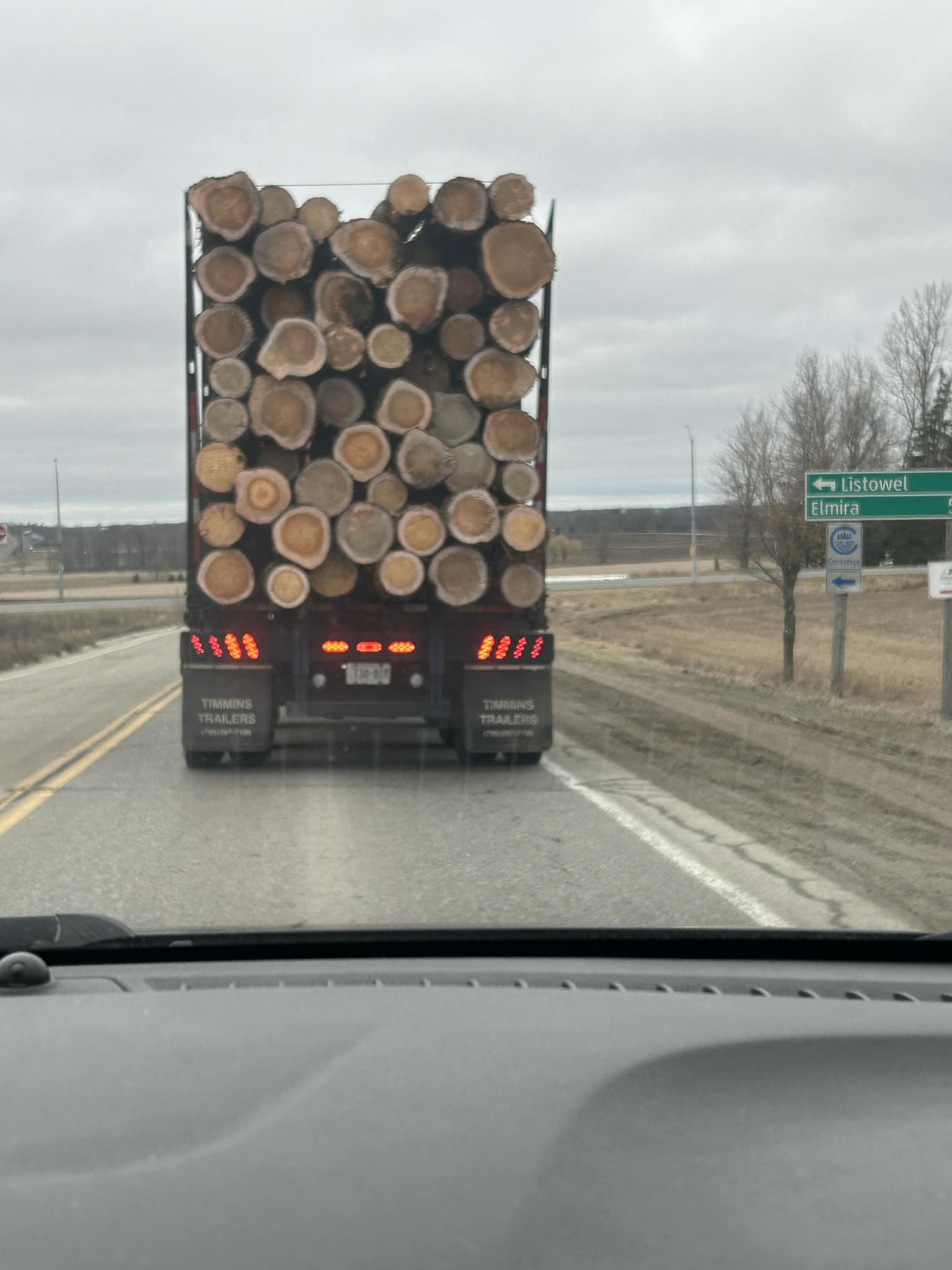
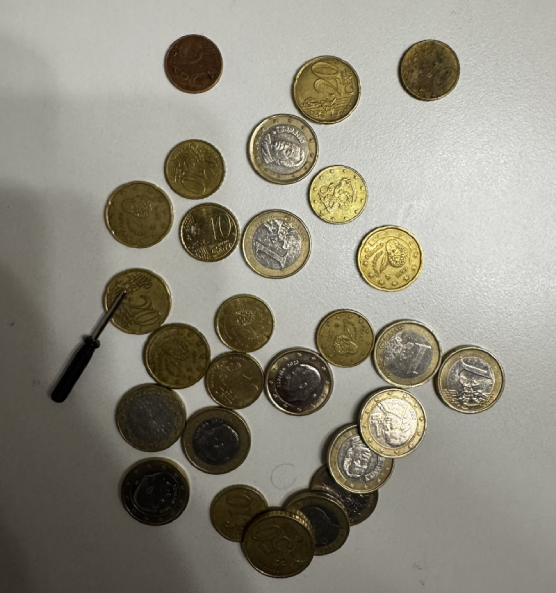

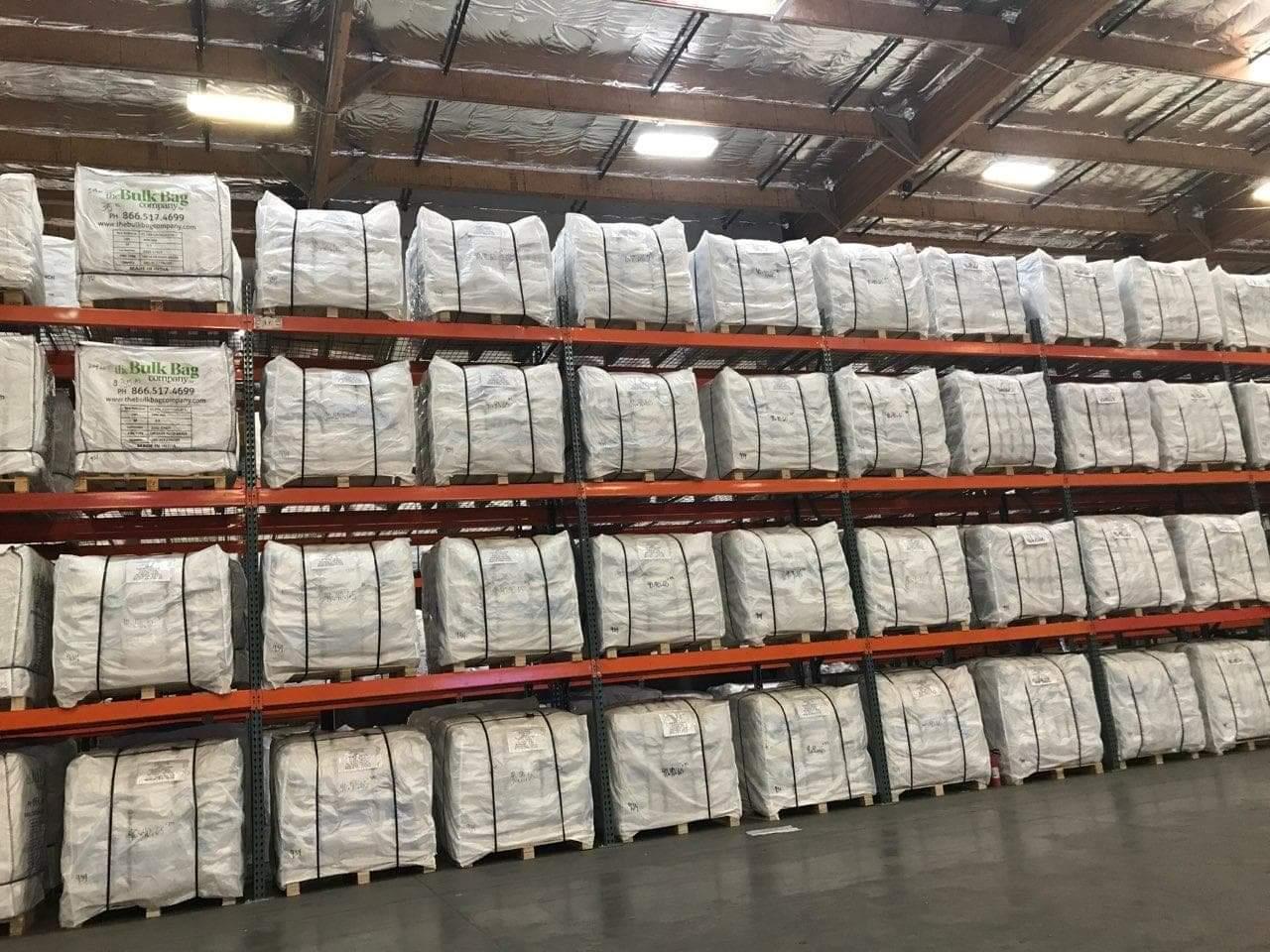

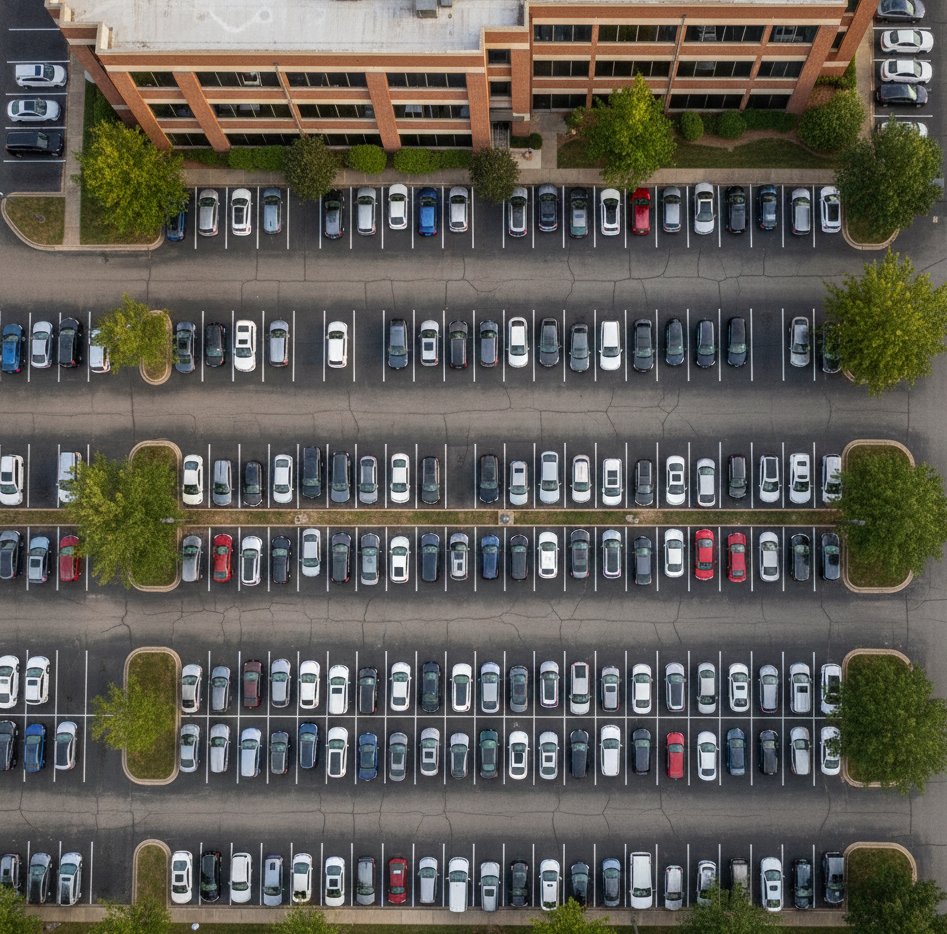

Currently experimental and free to use.
Need better accuracy?
Why use ZapCount?
Powerful features designed for speed and accuracy
Instant Results
Just point, shoot, and get results in seconds. Optimized pipeline with GPU inference.
No Setup Needed
No templates, no training, no manual calibration. It just works out of the box.
Auto Detection
Our AI automatically identifies the most prominent countable objects in your scene.
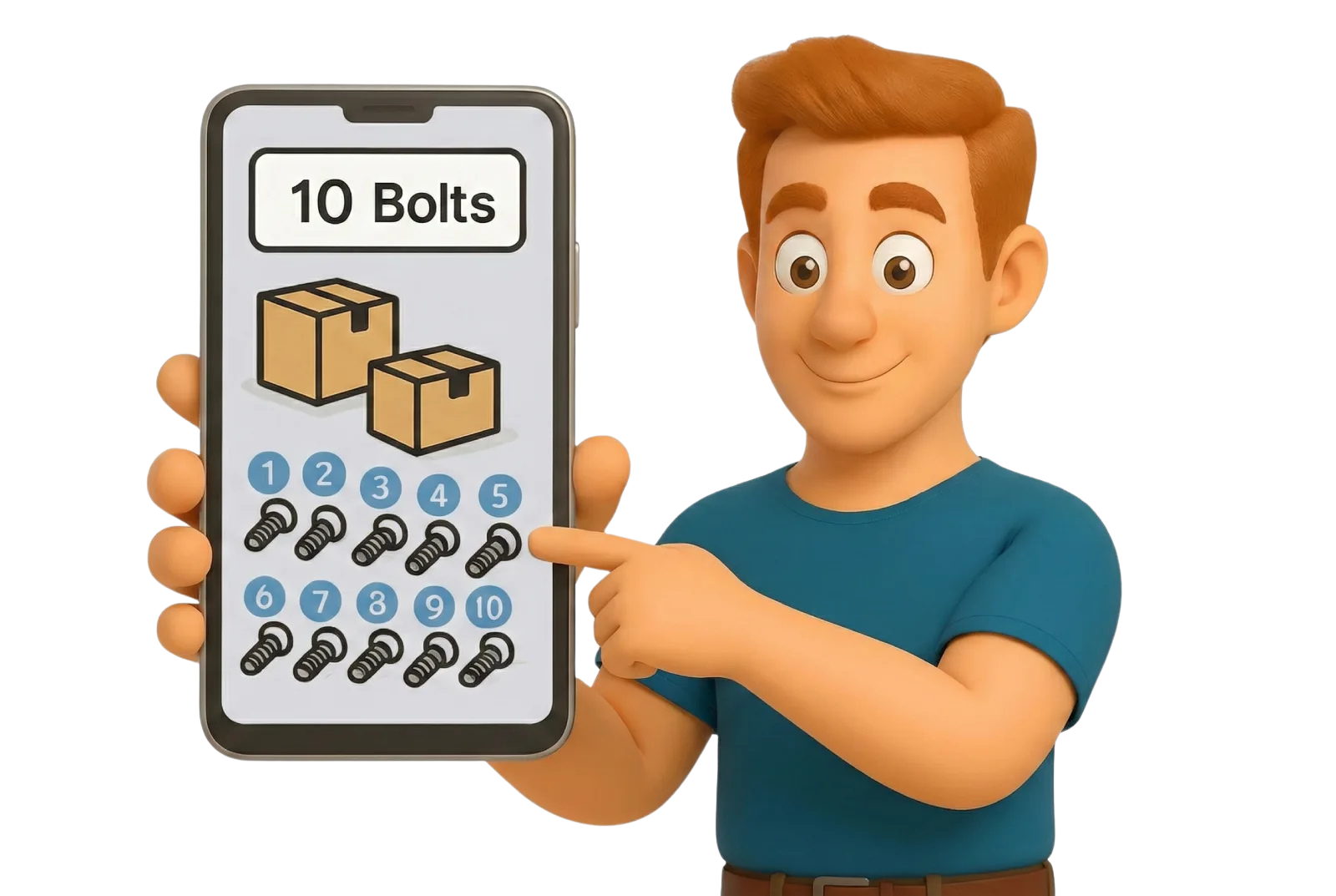
How it works
From photo to count in 3 simple steps
Upload Photo
Take a photo or upload an image of the items you want to count.
AI Processing
Our AI identifies the objects and counts them automatically.
Get Results
View the total count and a visual overlay verifying each item.
Who is it for?
Trusted by professionals across industries
Construction
Materials, pipes, rebar
Retail
Stock spot-checks
Warehousing
Pallets, boxes, inventory
Manufacturing
Parts and components
Agriculture
Livestock and crops
Logistics
Parcels, shipping containers
Science
Cells, petri dishes, samples
Forestry
Logs, timber, trees
Events
Attendees, tickets, seating
Traffic
Cars, parking lots
Want to integrate counting into your own system?
Reach out to discuss API access and integration possibilities.
Current Limitations
We're constantly improving. Here's what to keep in mind for best results:
Mixed Items
It works best with one type of object at a time. Heavily mixed piles of different items can be tricky.
Hidden Objects
If an object is mostly hidden behind another, it might be missed. The AI counts what is clearly visible.
Rare Items
Very rare or unique objects might not be recognized yet.
Color
It counts objects by shape and type, not by color.
Very High Counts
For now, counts are limited to about 900 objects per image.
Challenging Scenarios
Click an image to test.
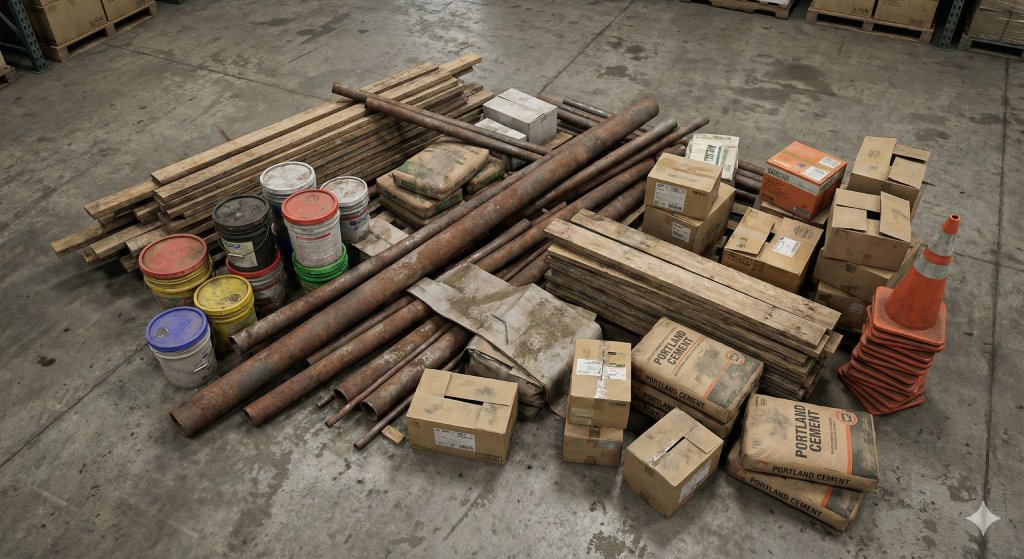

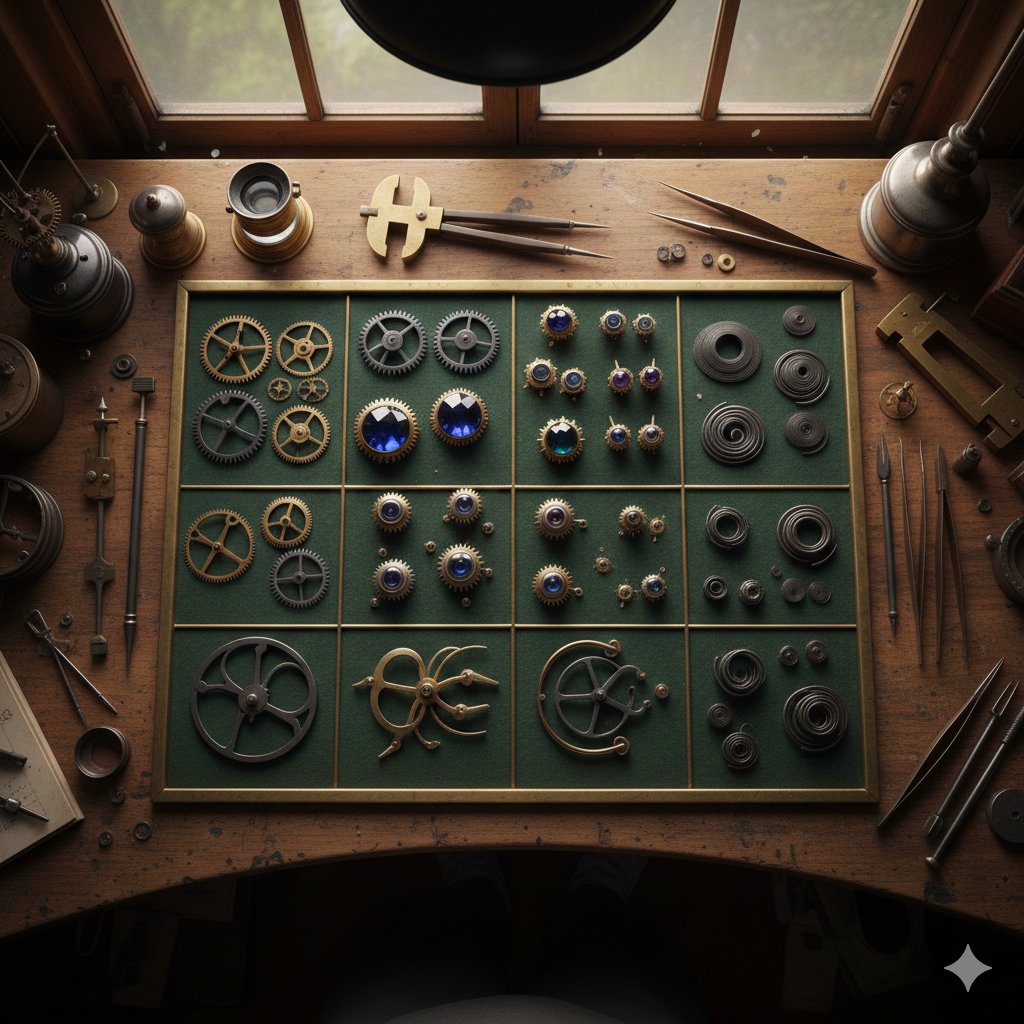

We are working hard to improve these aspects. If you need better accuracy for your specific products, we can help! Contact us at contact@binosolutions.com
Common Questions
Ready to count smarter?
Stop counting by hand. Try ZapCount today and save hours of work.
Start counting